Communities & chapters
Create a standalone community (one group) or a multi-chapter society where each chapter runs independently with its own admins, finances, payment link, currency and timezone. Members read across the whole community but act in their home unit.
Events & registration
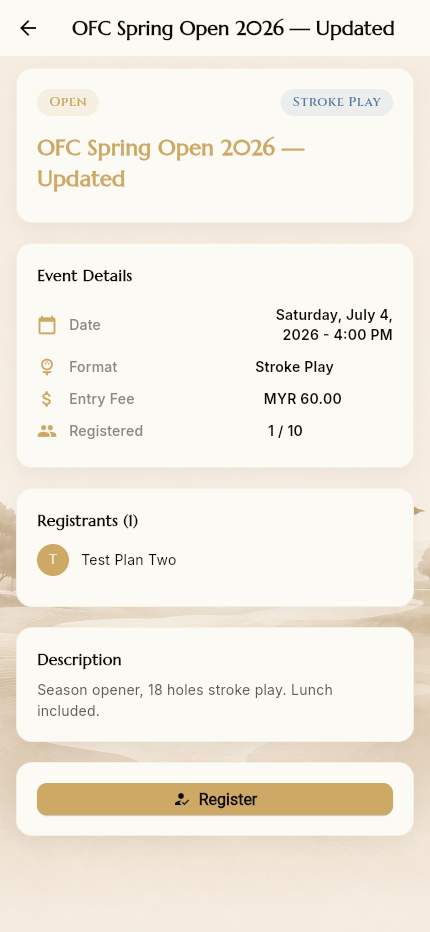
Publish events with a date, format, course, entry fee and capacity. Members register in a tap and see who else is playing. Upcoming, Past and “My Events” tabs keep everything organised.
Payments without the middleman
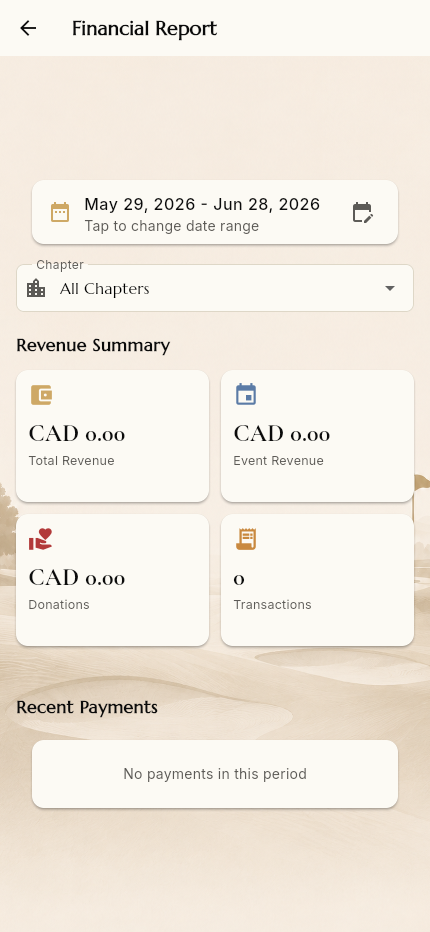
Each community sets its own external payment link (Stripe, Golf Genius, any gateway). Members pay on your provider and you keep 100% of the fees — A1 Golf Connect never sees or holds the money. Admins mark payments as received, and a financial report tracks revenue.
Hole-by-hole scoring & leaderboards
On game day, players record each hole on their phone and a live leaderboard compiles results from submitted scores.
Season standings
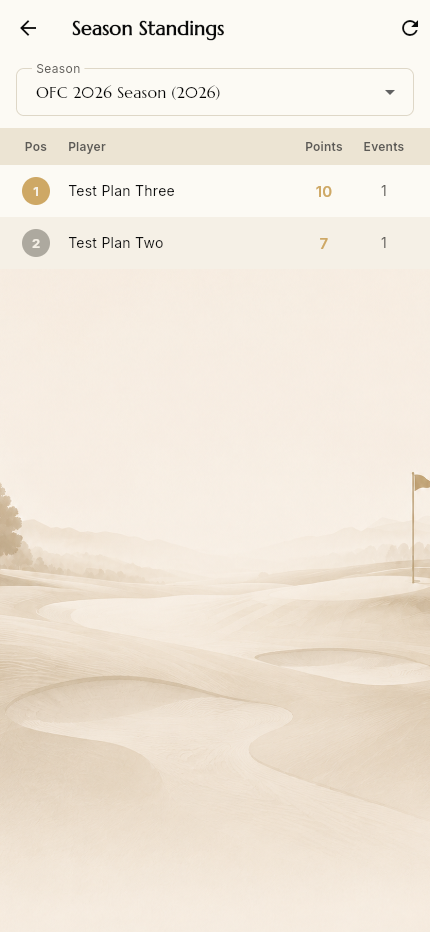
Points carry across a season so members can follow the overall race, not just one event. Pick a season and see the ranked table of players, points and events played.
Community engagement
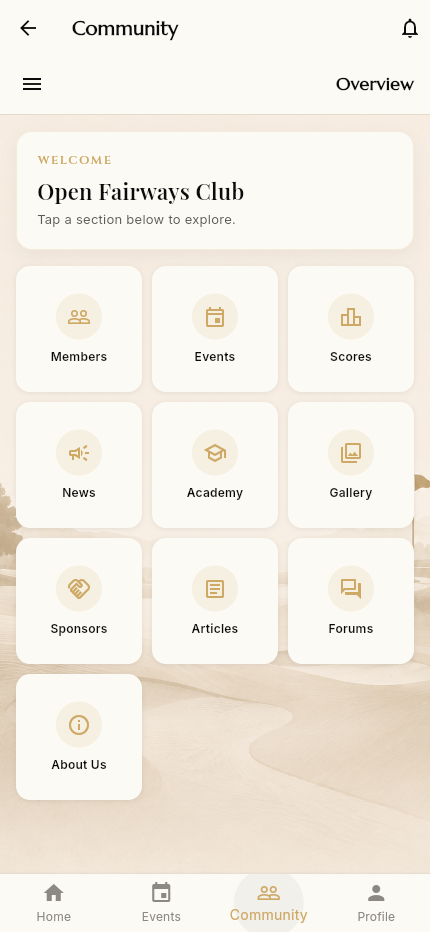
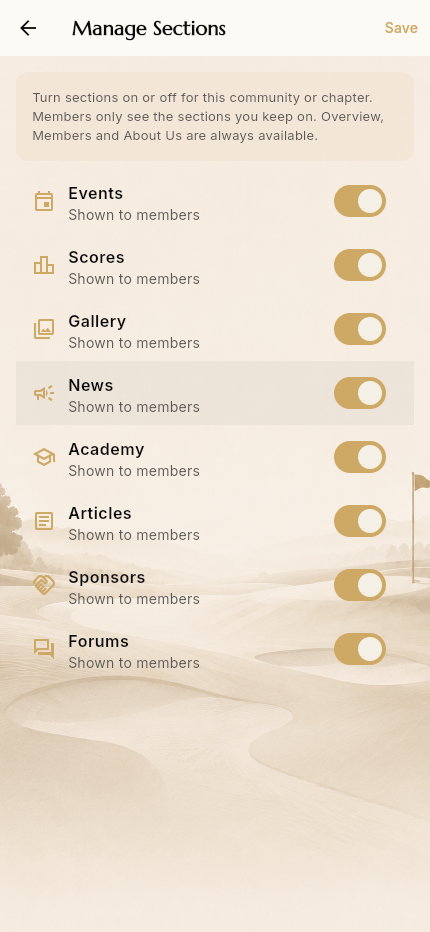
Keep your group connected between rounds with news & announcements, a shared photo gallery, long-form articles, discussion forums, an academy for classes, and sponsor showcases. Turn any section on or off per community.
Admin tools
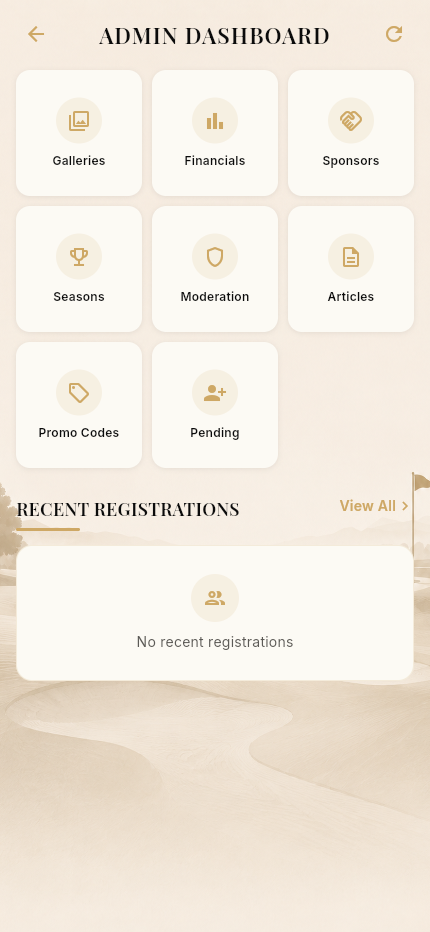
Creating a community makes you its admin instantly. Manage events and registrations, run seasons, moderate content, configure settings, and grow from standalone to multiple chapters when you're ready.
Your account, your control
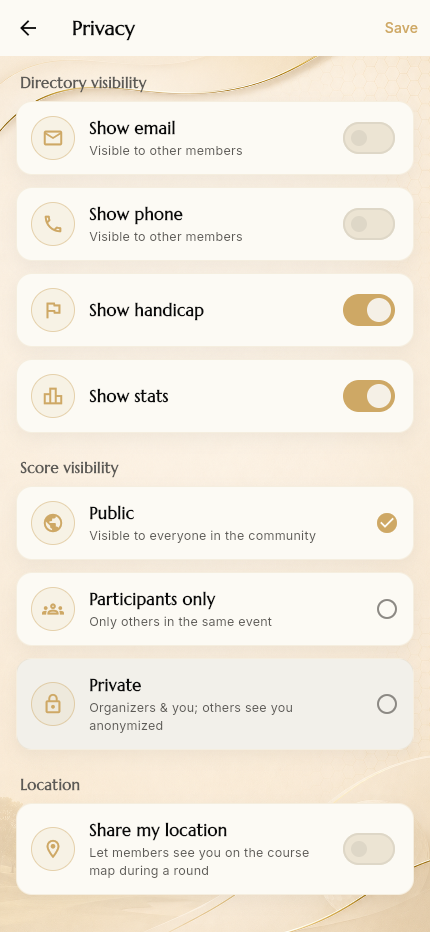
Granular privacy controls (directory visibility, score visibility, location sharing), notification preferences, language options, and optional two-factor authentication keep your account exactly how you like it.